Results
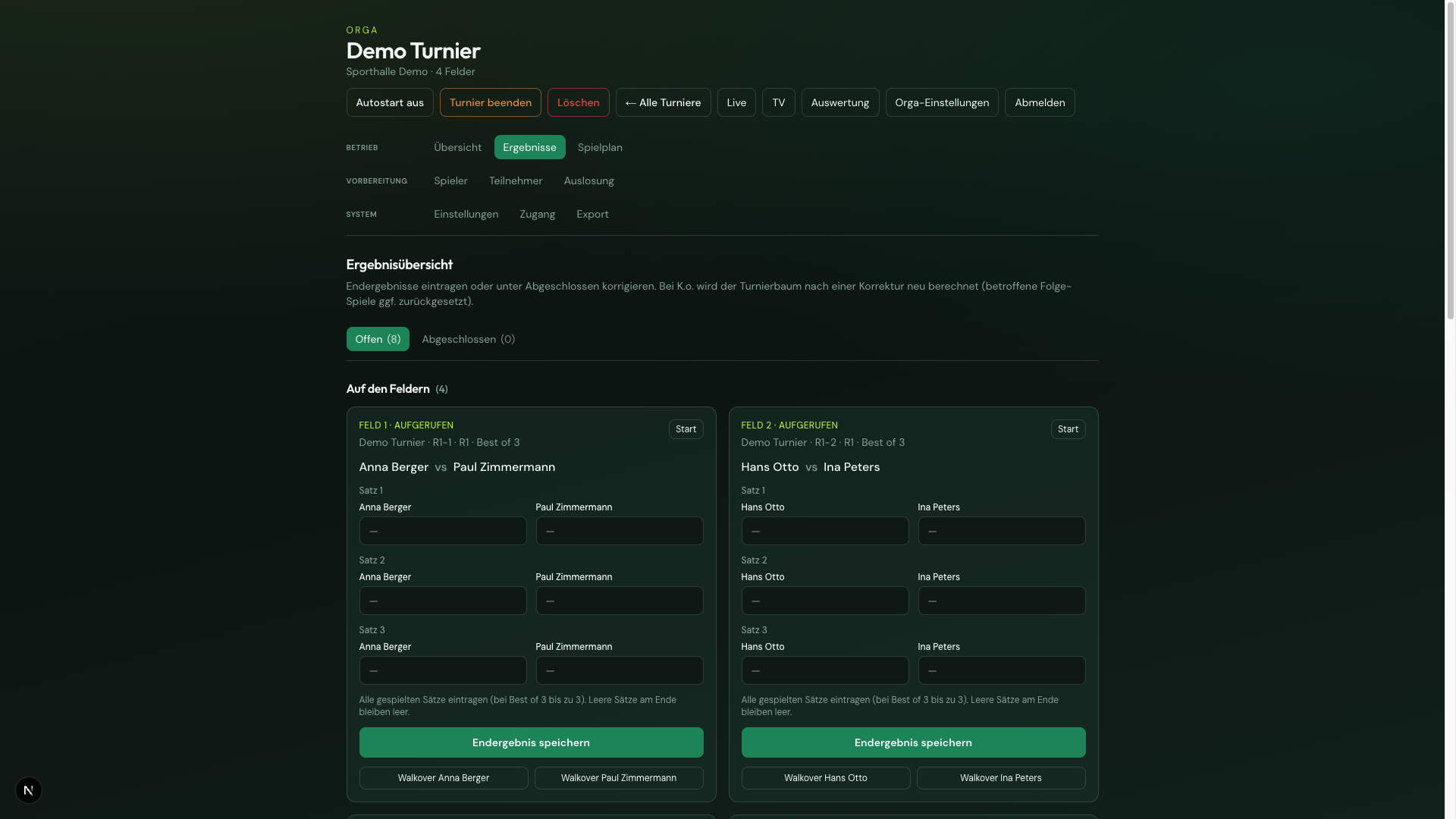
In the admin Results tab you enter final scores centrally. Live, court scorer, and analytics update after saving.
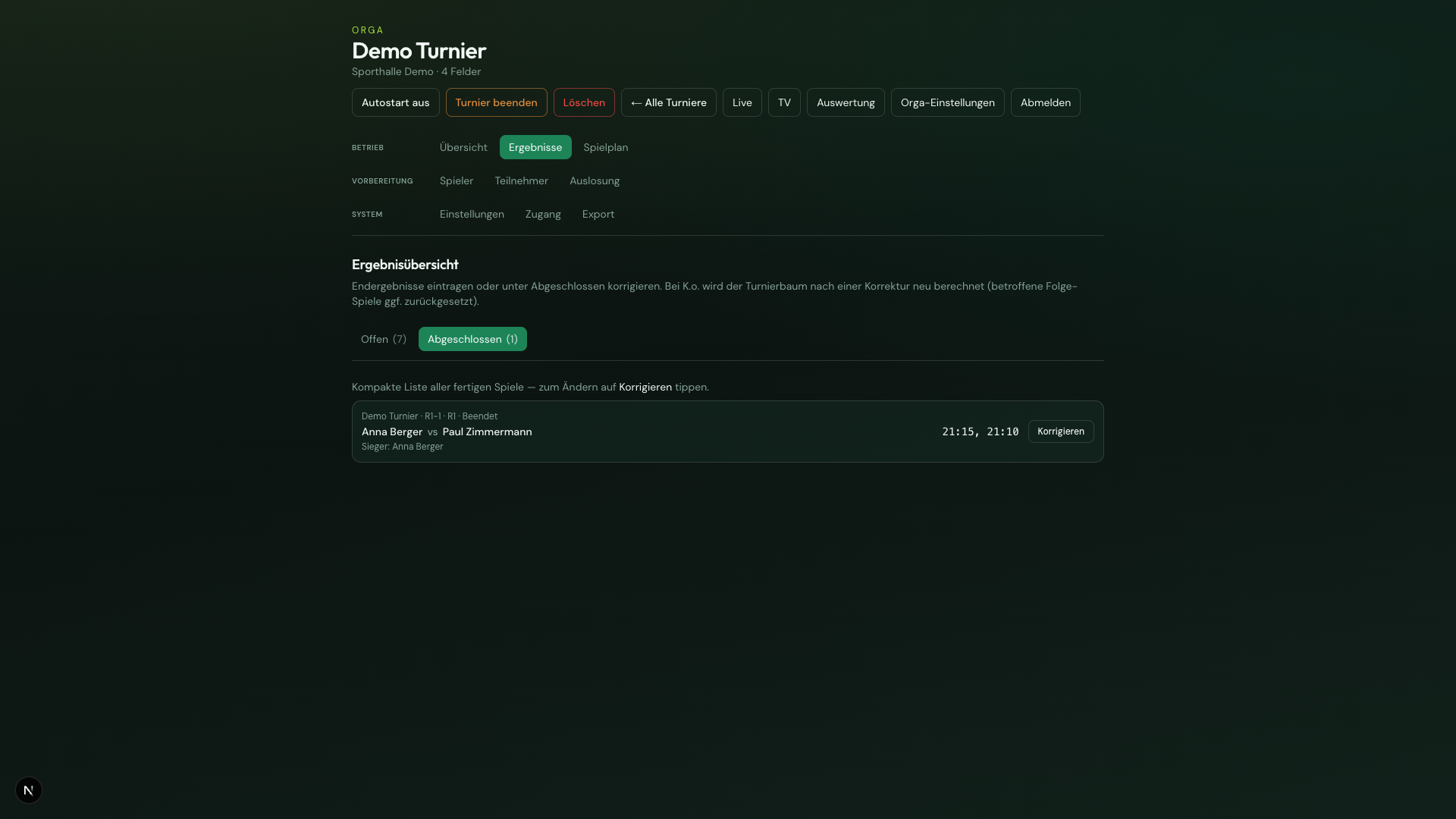
Two sub-tabs:
Two sections:
- On court — matches on a court (called/live); optional Start
- Other open matches — ready in the queue (also without a court)
Both sections as a compact one-line list (like Completed). Enter result expands game entry, save, and Walkover.
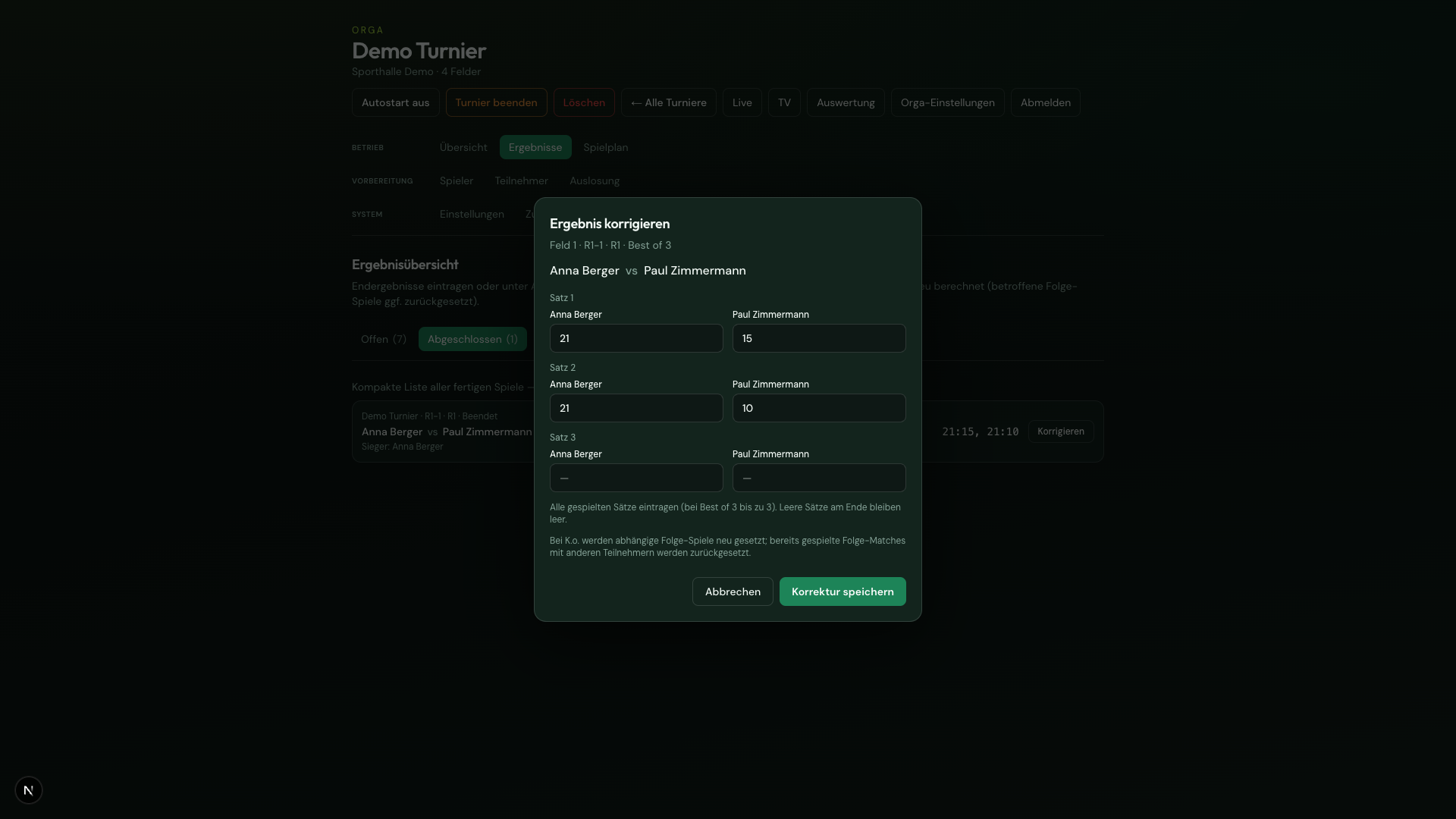
Compact list of finished matches with score line and Correct button. Edit in a dialog; games are pre-filled.
Correction and knockout rebuild
Section titled “Correction and knockout rebuild”- Open the Completed tab
- Tap Correct
- Adjust games → Save correction → confirm
For knockout, the bracket progress is recalculated. Downstream matches with different participants are reset and may need to be replayed/re-entered. Downstream matches with unchanged participants keep their result.
Side-change hints do not appear here — only on the court scorer.